

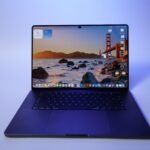




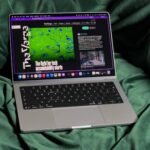
I’m a simple guy. I usually work from my MacBook Neo wherever I end up sitting in my house. And while I have monitors, mice, and keyboards to plug it into, I often end up leaning over the MacBook and doing none of that. I rarely even sit at my office desk, which has done wonders for my posture.
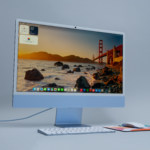
But over the past week, I’ve found myself returning to my desk more and more often to use Apple’s latest iMac. With the iMac, I have a far bigger screen and solid built-in speakers that are much better than what I have on my laptop.
When The Verge last reviewed the iMac, we asked: “Who is this for, exactly?” It’s still true that it’s often cheaper and more flexible to build a desktop setup yourself. But after testing Apple’s latest version with the new M6 chip and a couple of other upgrades, I think the iMac might be for people like me: I like that everything is right here, no thinking required. I don’t have to worry about adding speakers or a webcam or anything like that. It’s a computer built for families and for people who just want to set up a pretty desktop computer and forget about it. Somehow, at 41, I’ve become that guy.

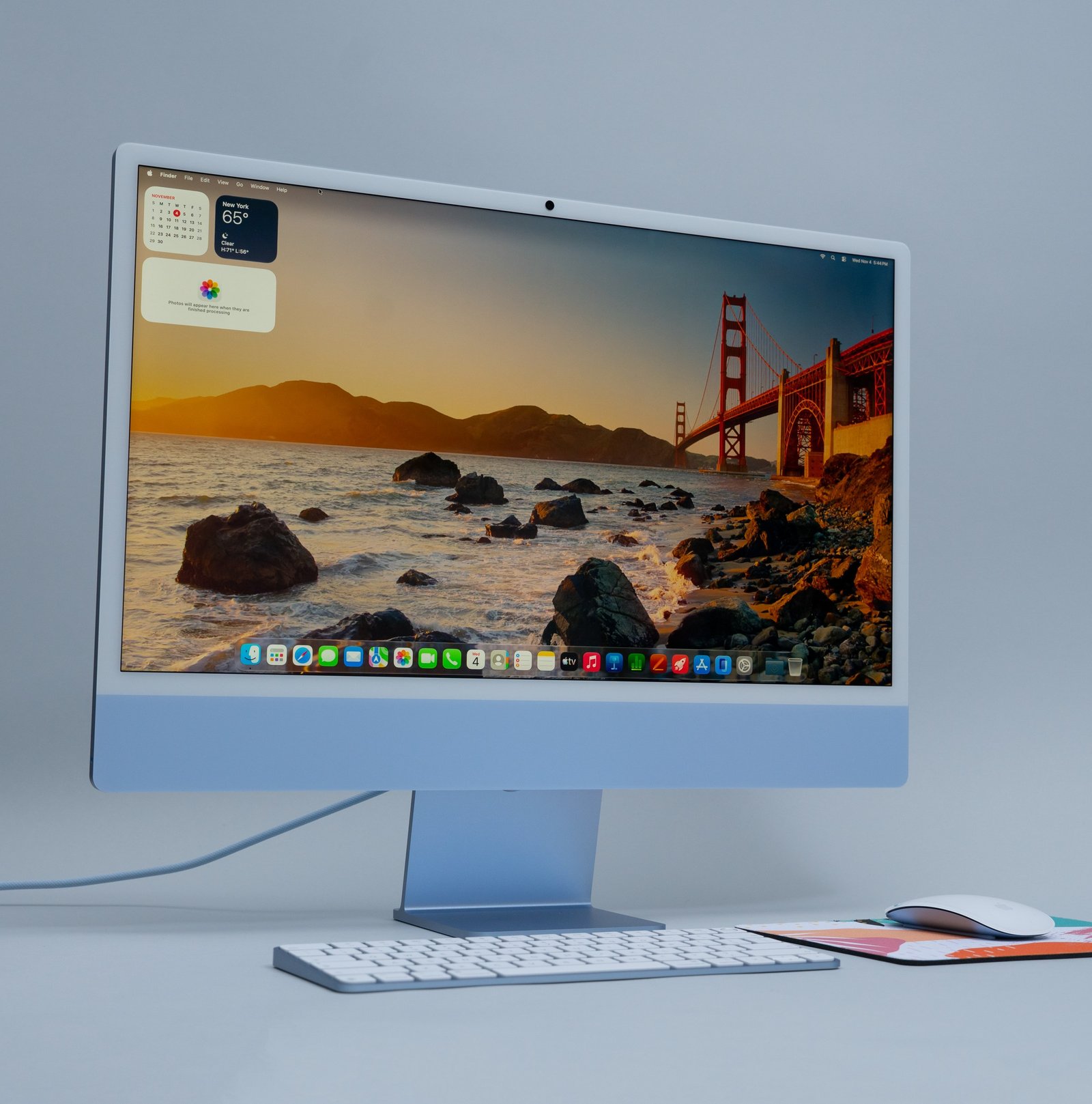
The iMac takes two seconds to set up. You open the box, snap in the magnetic power cable, place the included keyboard and mouse on your desk and voila, you’re off running. It’s the perfect desktop computer for people who don’t like to think about computers. And while I largely believe “family computers” shared by multiple people in the house are dead, replaced by iPads and individual laptops, I still see room for this in small-business offices and homes where two people might want to share a computer. I’m thinking of people my parents’ age, or grandparents who want to FaceTime their families on a large screen and don’t care much about which computer to buy.

Barely anything has changed since the M4 version we reviewed two years ago. This model has Wi-Fi 7 and Bluetooth 6. The colors are still the same, and there are still thick white bezels and a large chin beneath the screen. Apple also didn’tchange the camera this time around. It’s still a pretty solid 12-megapixel module with features like Center Stage that helped keep me in frame during work calls as I moved around my desk. The microphones are solid, too, and a colleague said I sounded clear during a weekly 1:1 video chat.

Then there’s the 24-inch 4.5K screen. I know there’s a cohort of people who want Apple to increase to 27 inches at a 5K resolution for native 2x scaling but, for me anyway, it seems perfectly fine and sharp, particularly while writing. I squint less sitting at my desk than I do looking at my MacBook. But, admittedly, I’m also not the type of person who needs the extra resolution or precise scaling. I mostly use my Macs for writing and video calls and some music.

The speakers, again unchanged, still sound great to me. They get nice and loud and have good enough bass. As expected, they’re leagues better than the speakers on my MacBooks that I’m used to listening to every day. The screen is a good size for movies and TV shows, and Talladega Nights looked fine enough when I put it on at full brightness (the screen caps out at 500 nits, which was bright enough for me), but I don’t normally watch TV or movies at my desk. But you can! And the iMac will run movies, music, plenty of Chrome tabs and more without a hiccup. I didn’t even hear the fans turn on until I started some more in-depth testing.
I don’t want to dig too much into benchmarks since I just don’t think people buying an iMac overlap in a Venn diagram with people running benchmarks on computers. One thing I learned: you’ll hear the soft whir of the fan if you’re rendering videos and putting the iMac to its limits. It scored on a par with the 2026 MacBook Pro with M6 on Geekbench 7, PugetBench for Photoshop, Premiere Pro and DaVinci Resolve, and in rendering tests.

The M6 iMac that I’ve been using is the upgraded model, with four Thunderbolt ports, 16GB of RAM, and 512GB of storage. And that’s where things start to turn a little sour. Electronics have skyrocketed in price due to RAMageddon caused by endless thirst for memory from AI data centers, and the iMac is no exception. The M4 iMac started at just $1,299 two years ago, and the M6 now starts at $1,499. Choose the configuration I have for review, which also comes with a 12-core CPU and 12-core GPU vs. 10 cores for both, twice the storage (512GB), and a keyboard with Touch ID, and the price jumps to $1,899. We aren’t in Kansas anymore.
At the higher price, I’d like to have seen Apple make some serious updates. I’d love it if it got rid of the big chin at the bottom and added features like Face ID, so I could just unlock the computer by looking at it. Slimmer bezels would be appreciated, as would the ability to move the screen up and down. Now that there’s touch on a MacBook Pro, I could see that coming to the iMac someday, too.

But I don’t really need all of that. It turns out I still love the iMac even though Apple hasn’t changed the design or added new features that would make it even more compelling. It’s just simple, works well, and looks nice on my desk.
The price is what I’m hung up on. $1,899 for the model I tested, and even $1,699 for the entry-level, is a chunk o’ change when you can get a perfectly good MacBook Neo or even a MacBook Air, then plug in a second monitor. That’s what we said to do a couple years ago — though our $2,329 configuration seemed like overkill — and if I were offering objective buying advice, that’s what I’d tell you to do, too. But there’s something very appealing about the simplicity of an all-in-one package for people who want a desktop that’s great out of the box and will last you years. If that’s what you’re looking for, the iMac with M6 is a good buy.