








Touchscreen laptops are nothing new in the Windows world, but Apple has only just announced its first MacBook with a touchscreen. Apple isn’t rushing to change a bunch of things in macOS to optimize for touch, though; most of the touch action will be in the apps themselves, it seems.
As far as major macOS changes go, iOS’s Dynamic Island will be debuting on the new MacBook Pro, and Apple touts the added touch controls as particularly useful for interacting with the interface to accept AirDrops and pause music playback.
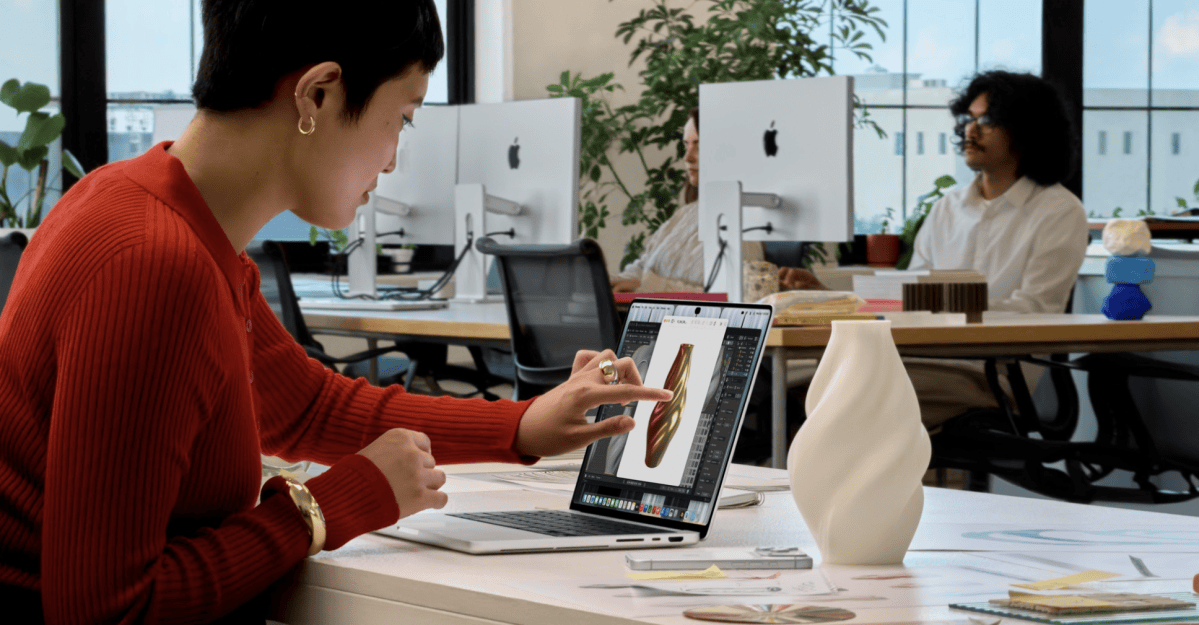
Otherwise, Apple gives some pretty predictable ways that the touch input will work with the new MacBook Pro. You’ll be able to pinch and zoom in on photos, drag and drop slides between two different presentations, and swipe to scroll through web pages. Which, yeah. That’s how touchscreens work.
The more interesting stuff will probably happen in individual apps. Unsurprisingly, Apple’s apps will already be “optimized” for touch, and the system will automatically translate touches into clicks. Apart from that, Apple lists a handful of third-party apps that will take advantage of the new touch controls, including Notion, Canva, Zoom, Word, Excel, PowerPoint, Lightroom, and DaVinci Resolve. Adding the possibility of multitouch to some of these pro creator apps is interesting, but for the most part it seems that touch will merely be a secondary input mechanism rather than a whole new way of interacting with the entire system. You’ll be able to double tap to make a window full screen the way you can with a double click, and you can drag the corner of a window to resize it.